
Bring in SimBrief, check the route and keep the OFP where you can actually use it.
Vortiq EFB
The flight bag you have been waiting for.
Load your SimBrief flight, brief the route, check the weather, run the numbers and keep the map open while you fly. Use Vortiq EFB on iPhone, iPad or in the browser, with MSFS, MSFS 2024, X-Plane 11 and X-Plane 12.
iPhone, iPad + WebMSFS / MSFS 2024X-Plane 11 + 12SimBrief readyVortiq Connect
One cockpit flow
Everything stays with the flight.
Import the plan once, then work from there. Briefing, map, weather, performance, notes, messages and logbook all stay tied to the same sector, so you are not piecing the flight together from five different windows.
Weather, loading and performance sit in the same flow instead of becoming a preflight scavenger hunt.
Map, traffic, ATC, notes and split view stay ready while the flight gets busy.
Carry the important details into the logbook while the sector is still fresh.
From setup to shutdown
Every page has a job.
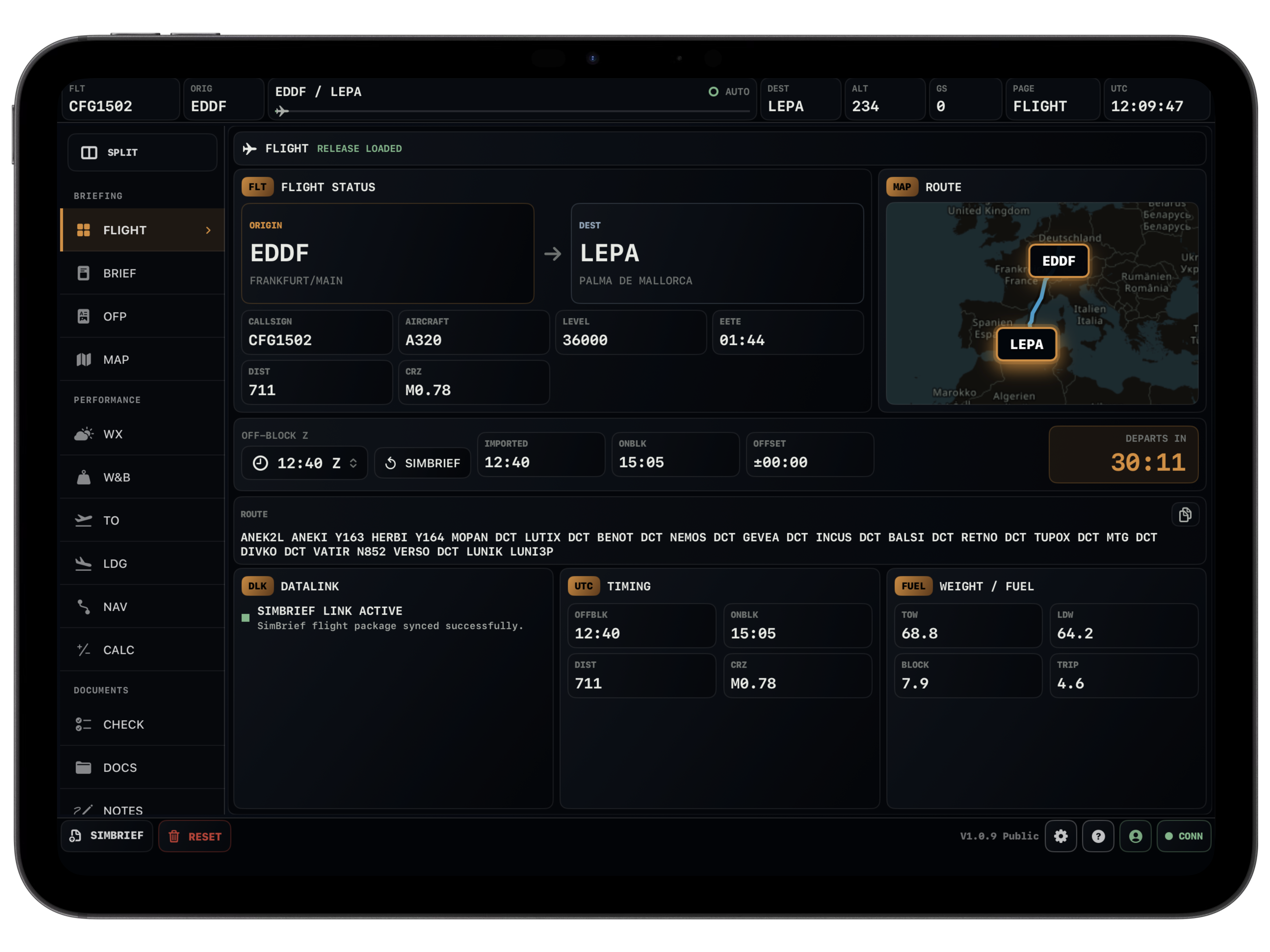
Flight
Your sector, without the noise.
The overview keeps the basics in front of you: route, aircraft, fuel, times and the current state of the flight. It is the page you come back to when you just need to know where things stand.
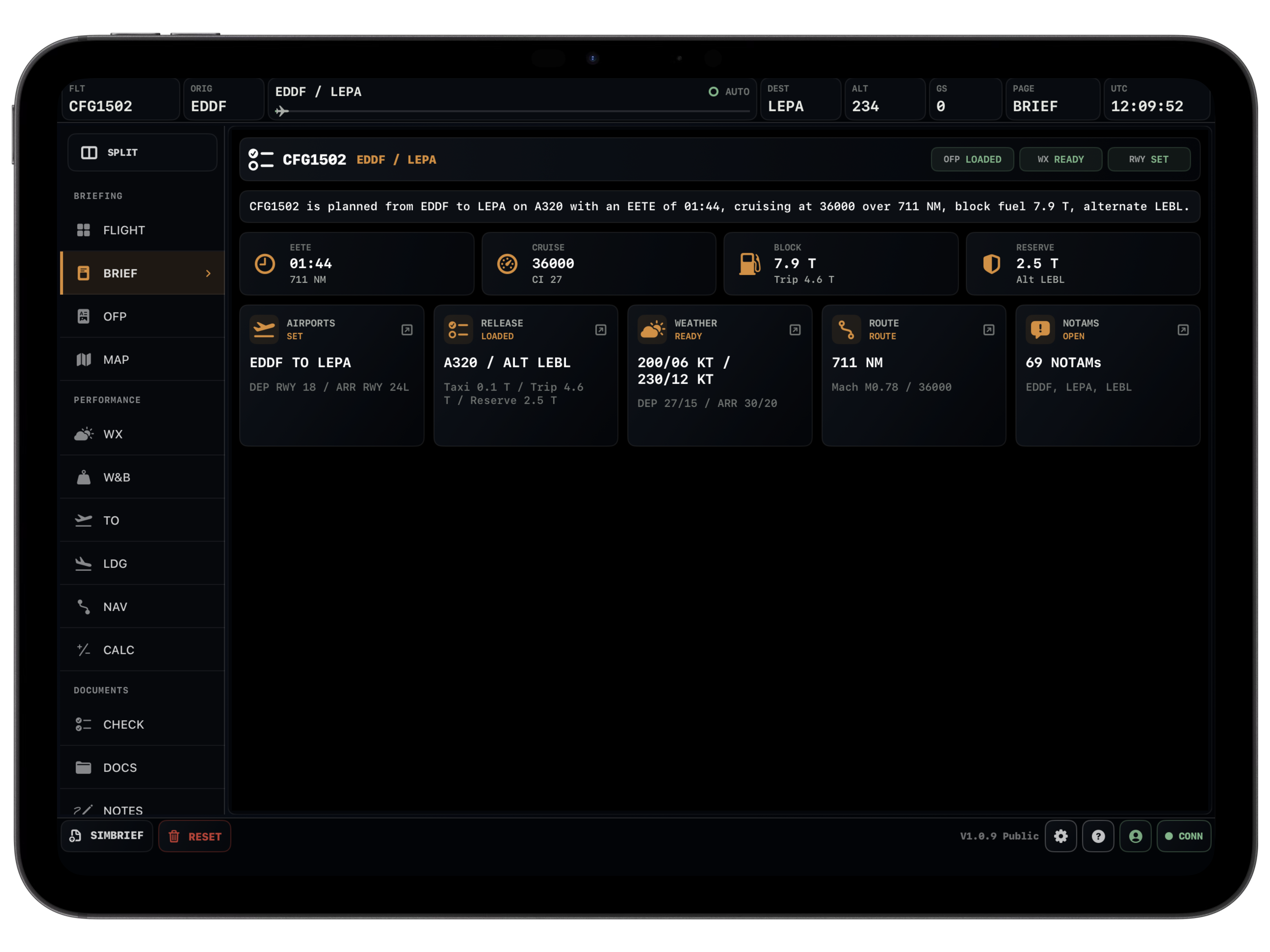
Briefing
The flight package, cleaned up.
Departure, arrival, alternate, payload, fuel and weather are pulled into a briefing view that is quick to scan before pushback.
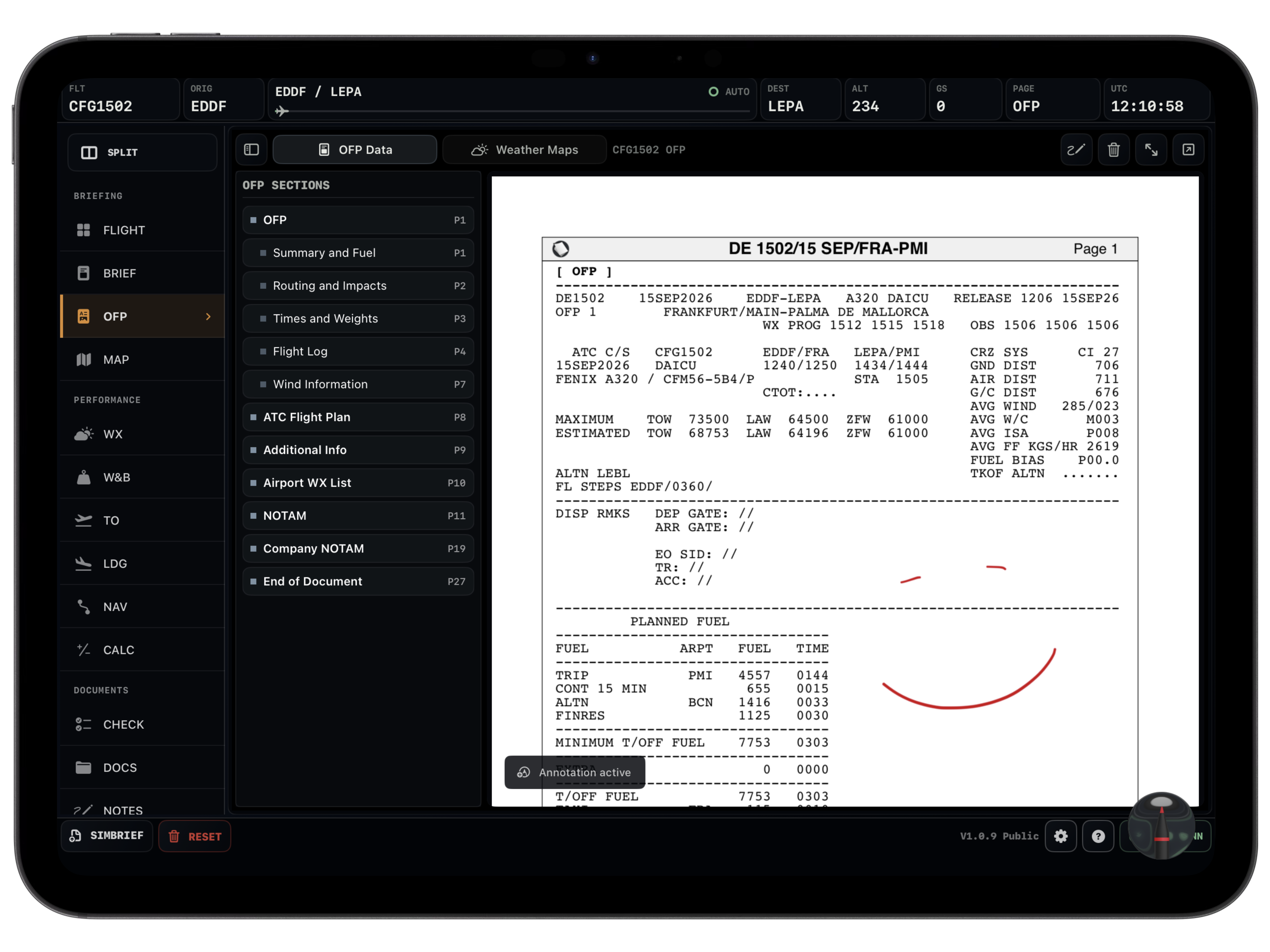
OFP
The original plan stays close.
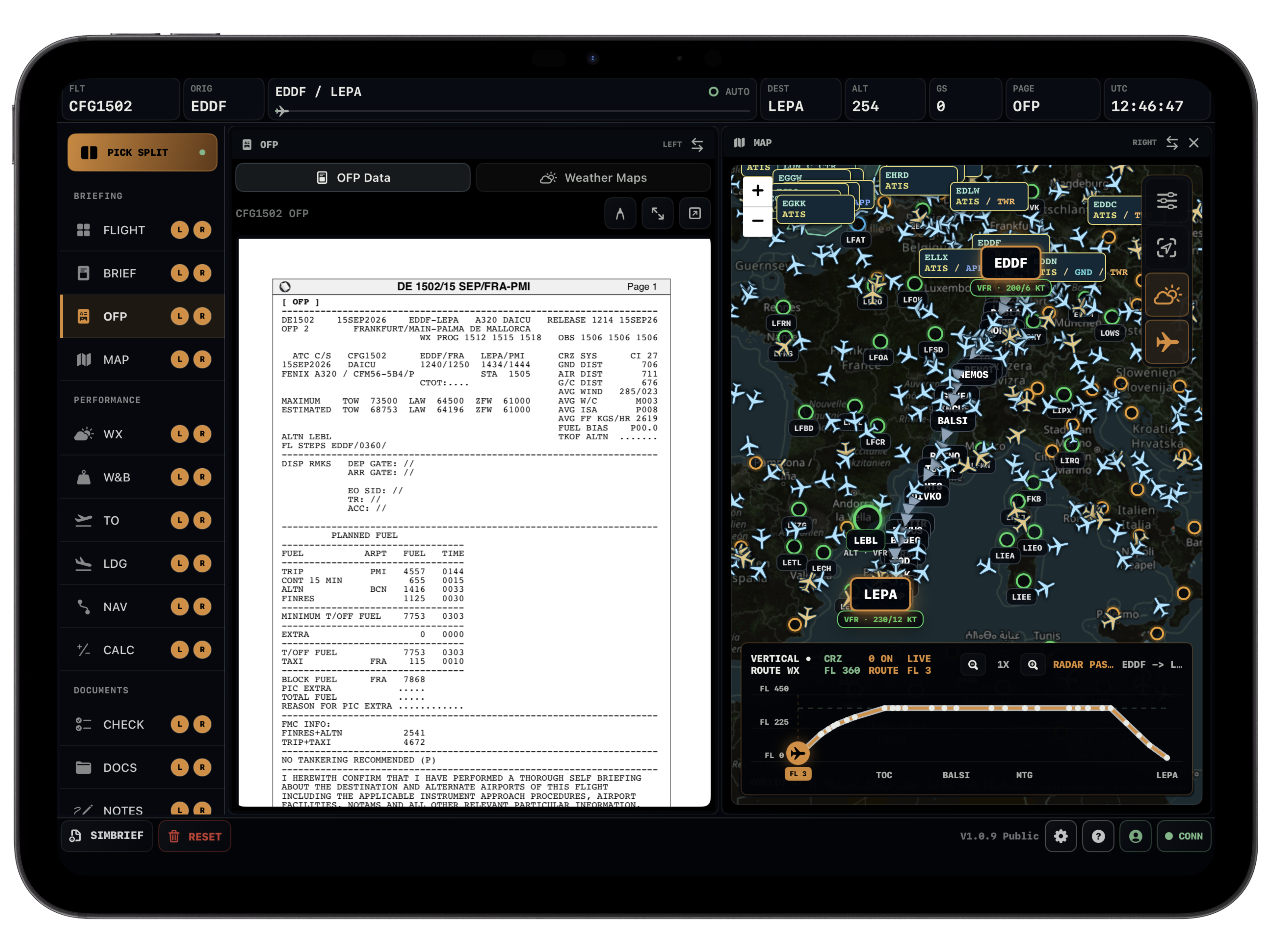
Keep the SimBrief OFP readable inside the EFB. No extra PDF window, no digging through downloads when ATC asks for something from the plan.
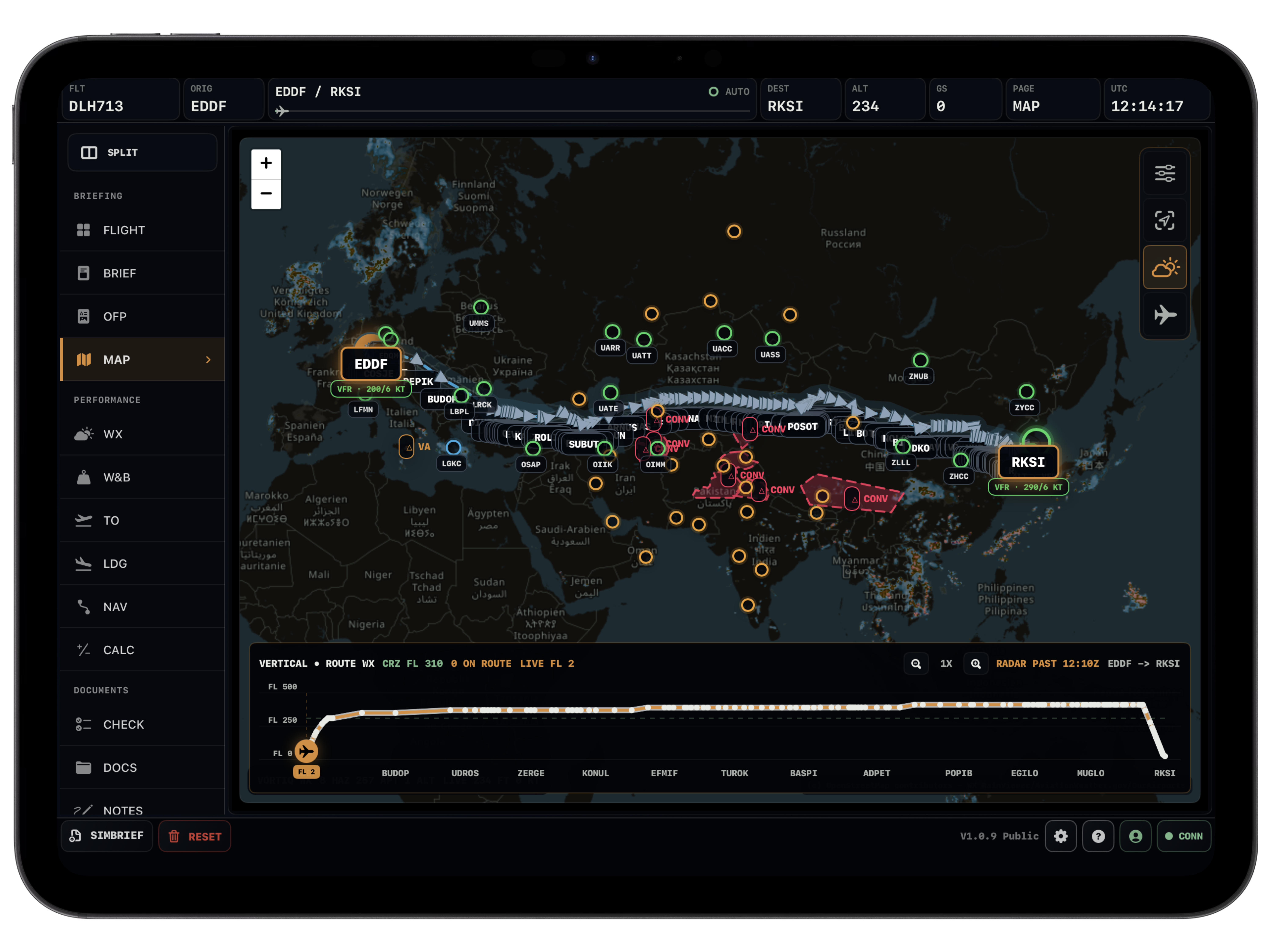
Map
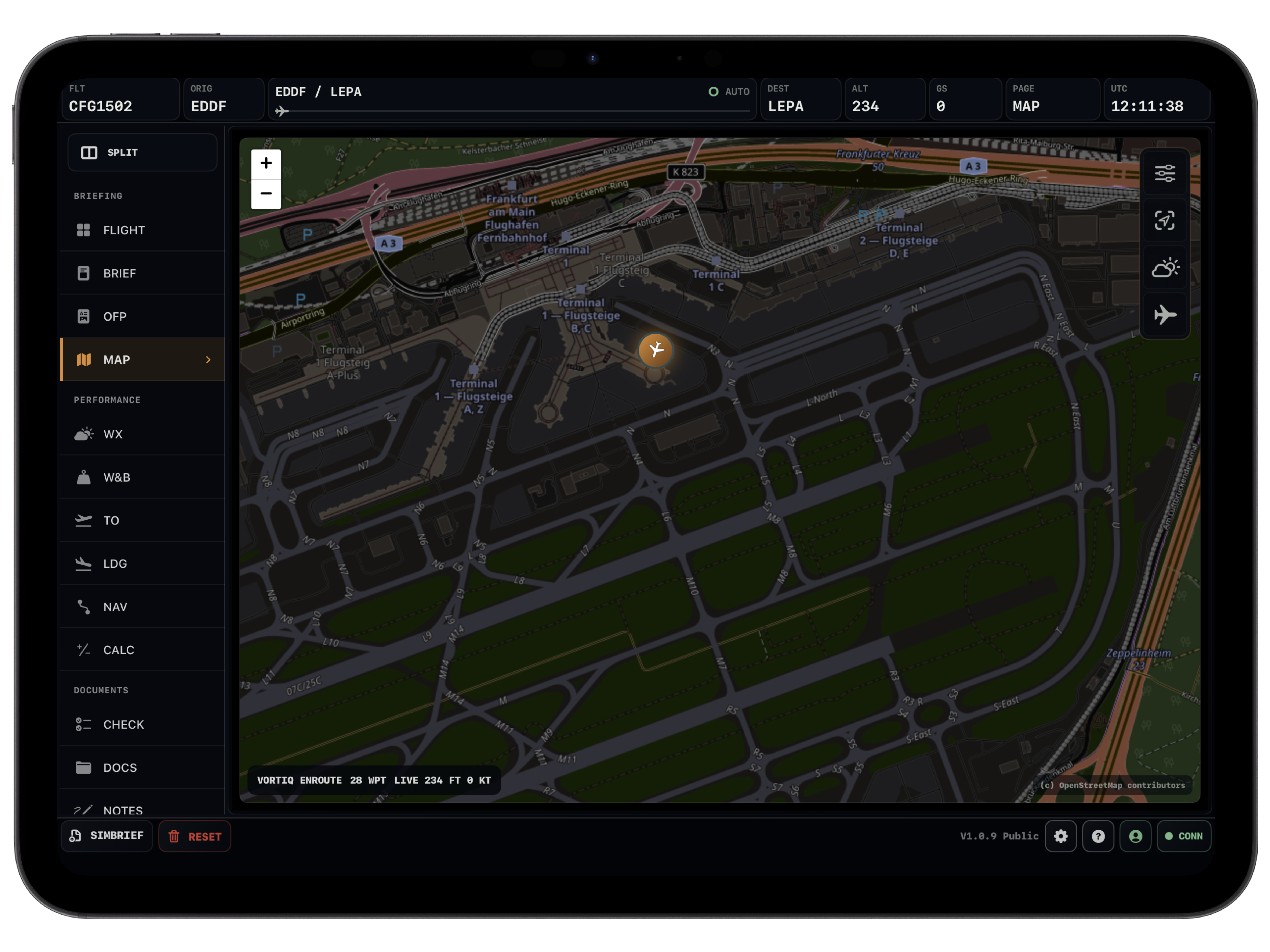
A moving map that knows the flight.
The route, airports, labels, weather layers, traffic and ATC coverage sit together instead of being split across different tools.
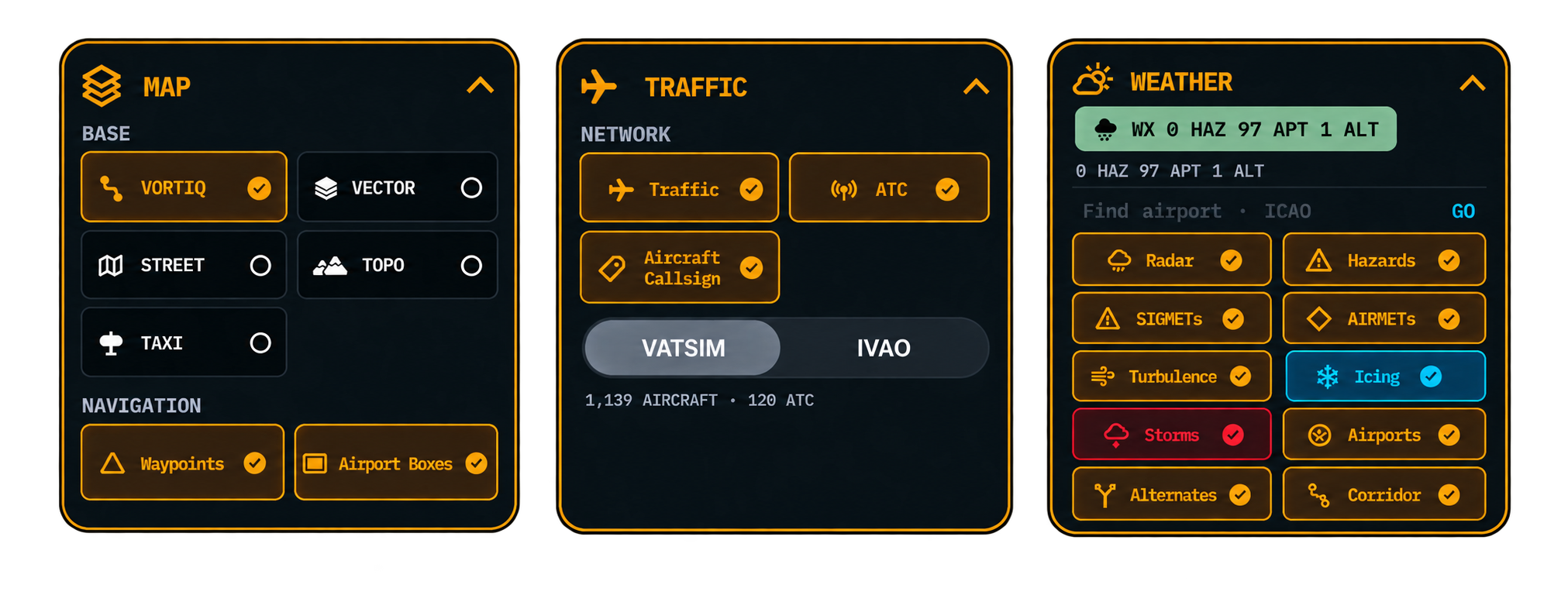
Map Layers
Show what matters right now.
Switch between Vortiq, street, topo, taxi and navigation layers. Keep the map clean for cruise or detailed when you need airport context.
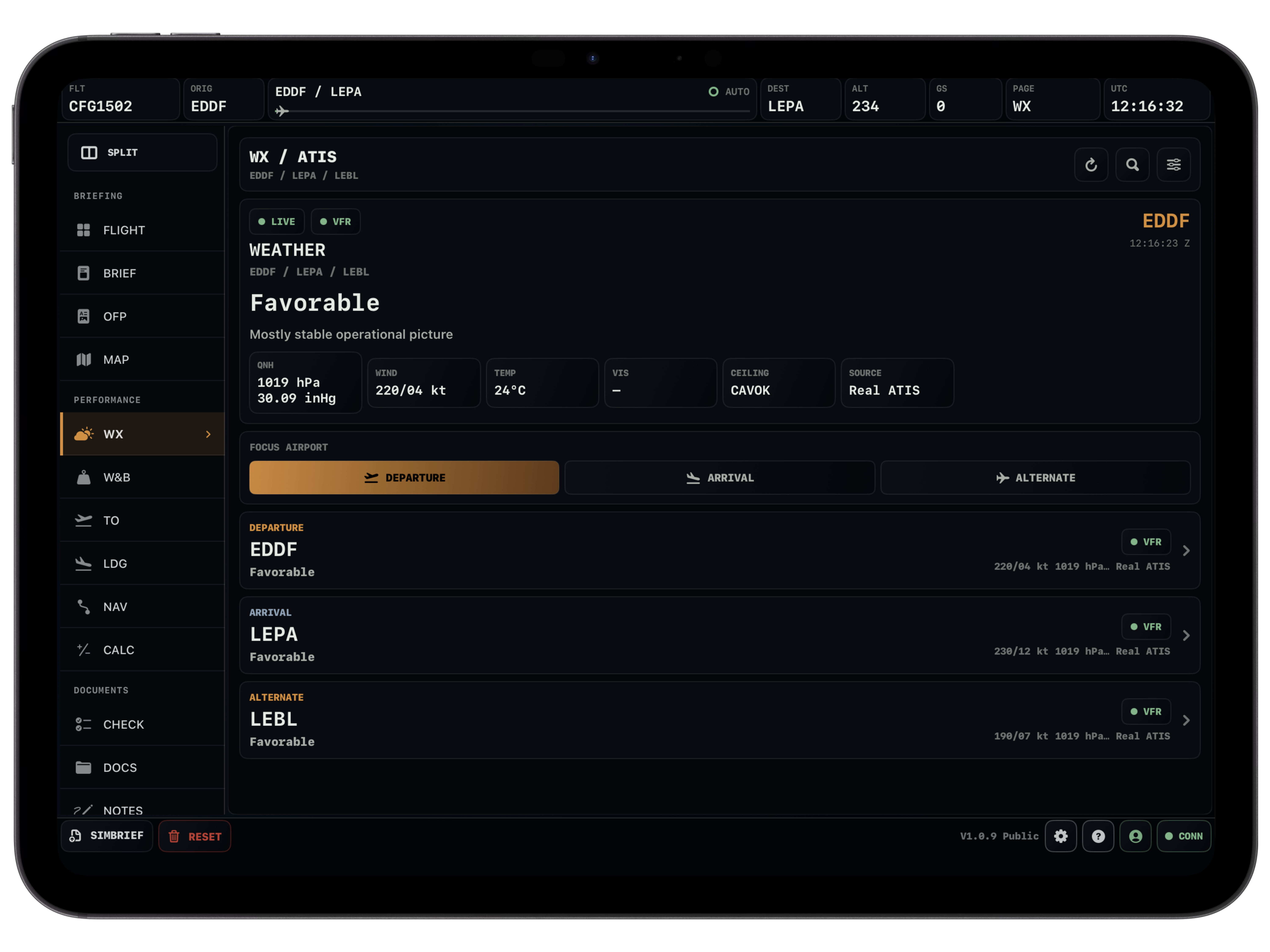
Weather
Weather where you actually use it.
METAR, TAF and ATIS data can follow the route. Check the departure, arrival, alternate or any lookup airport without leaving the flight.
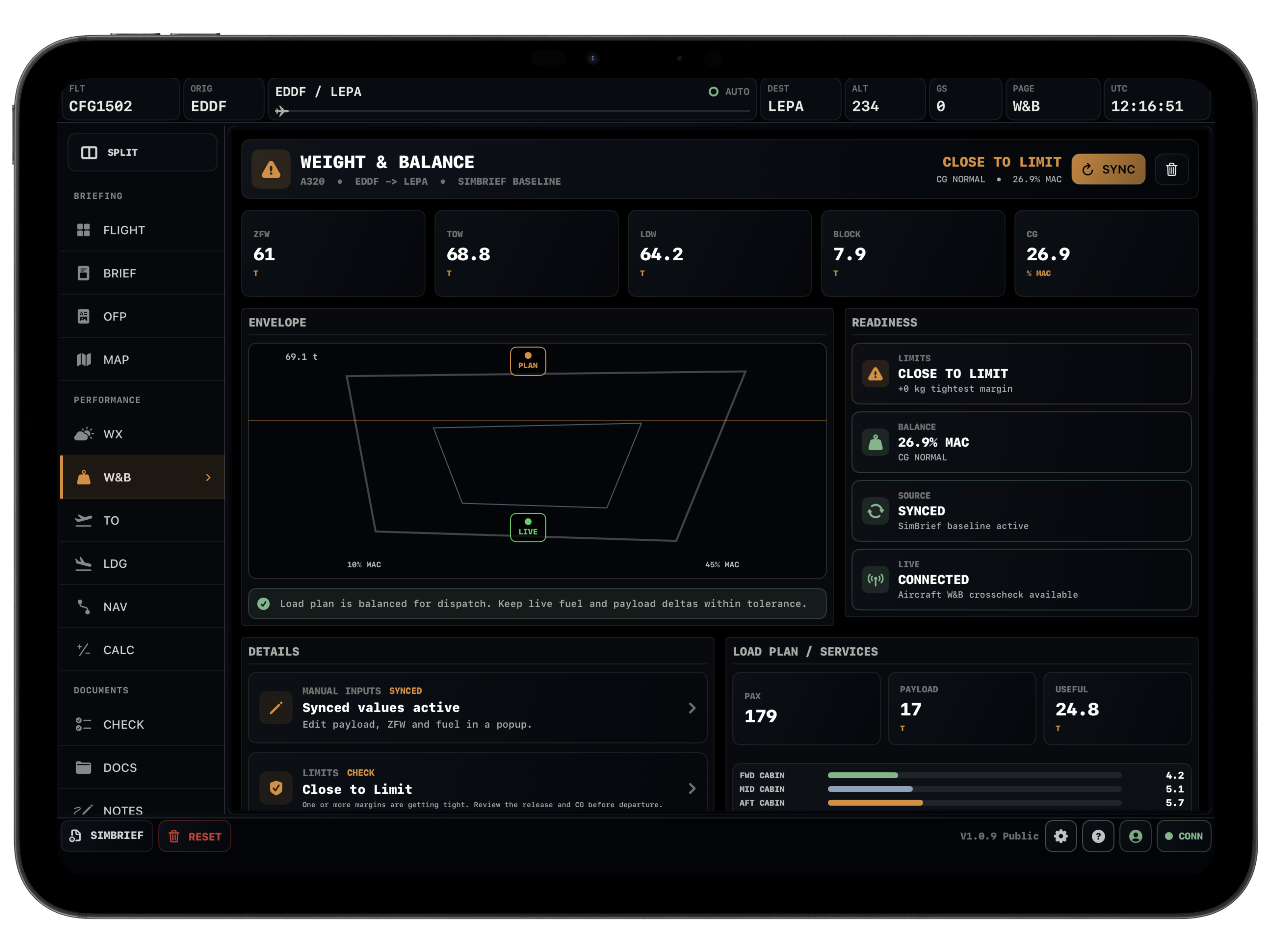
Weight & Balance
Get the loading right first.
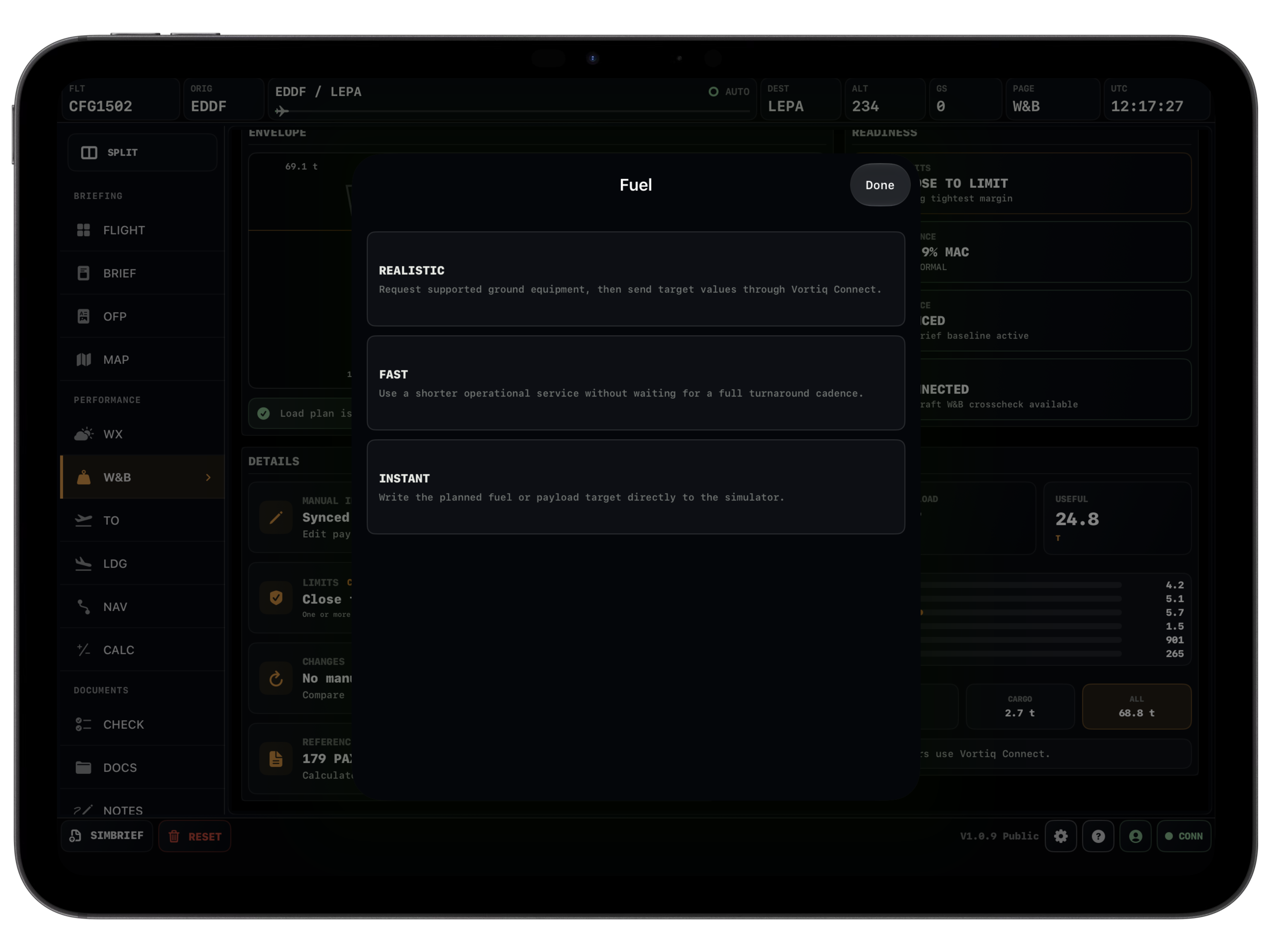
Payload and fuel sit before the performance pages, so the numbers you use for takeoff and landing come from the same workflow.
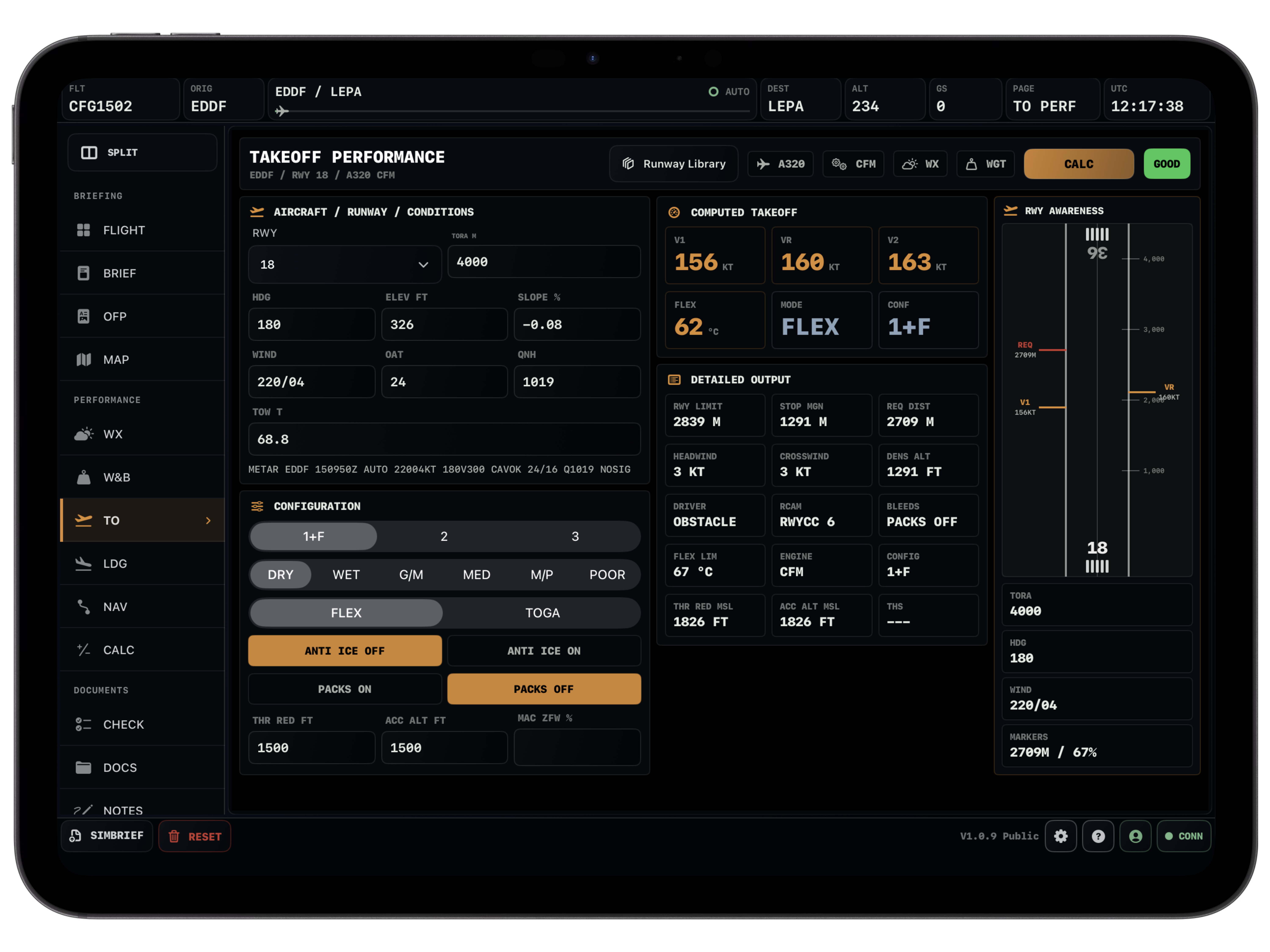
Takeoff
Runway numbers with context.
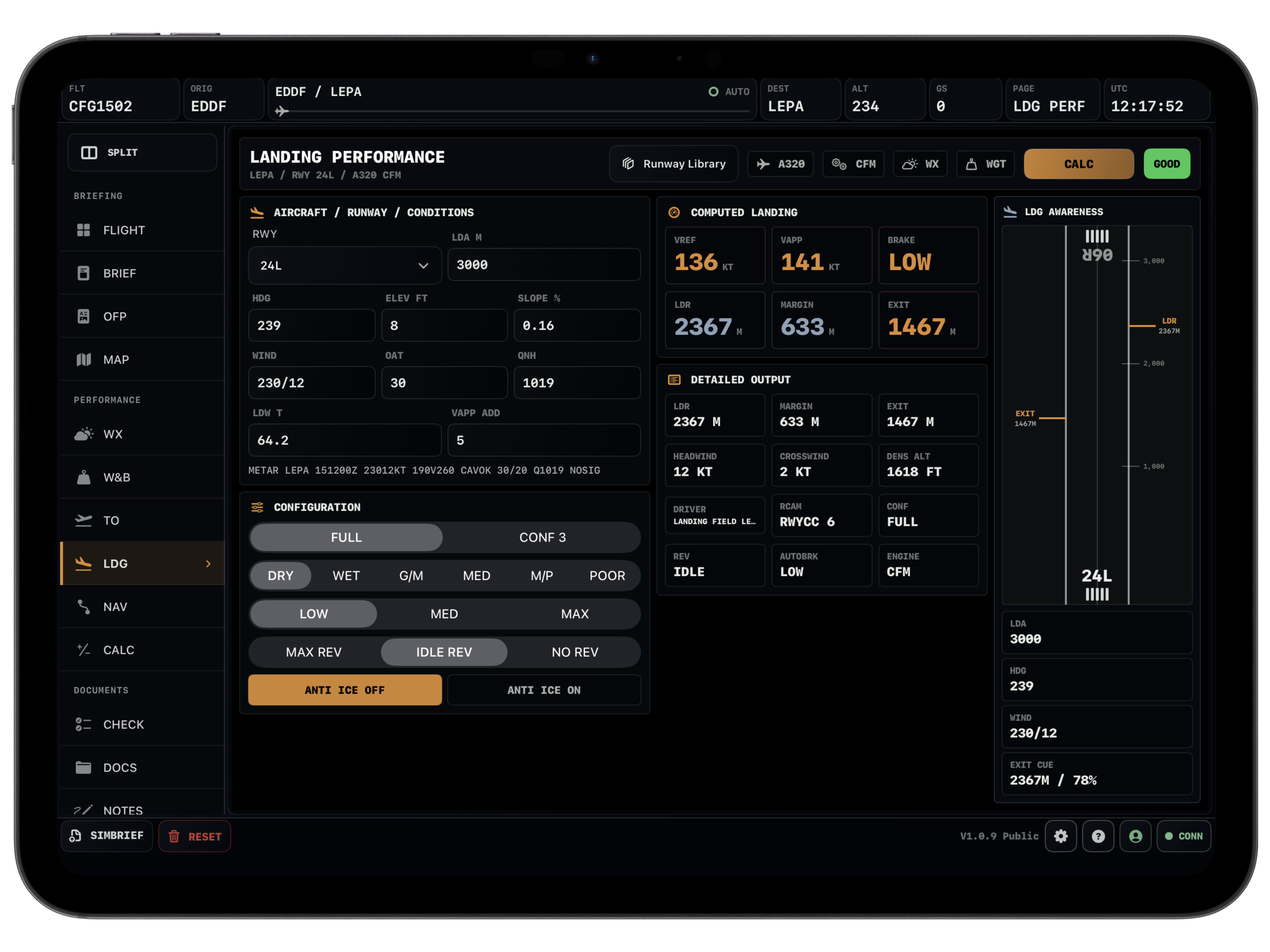
Weight, wind, QNH, OAT, elevation, slope, runway condition, anti-ice and packs are all part of the calculation. The page shows speeds, thrust, limits and margin in one place.
Landing
Arrival planning before it gets busy.
Landing distance, runway condition, braking setup, reverse mode, wind and elevation are handled before you are already on final.
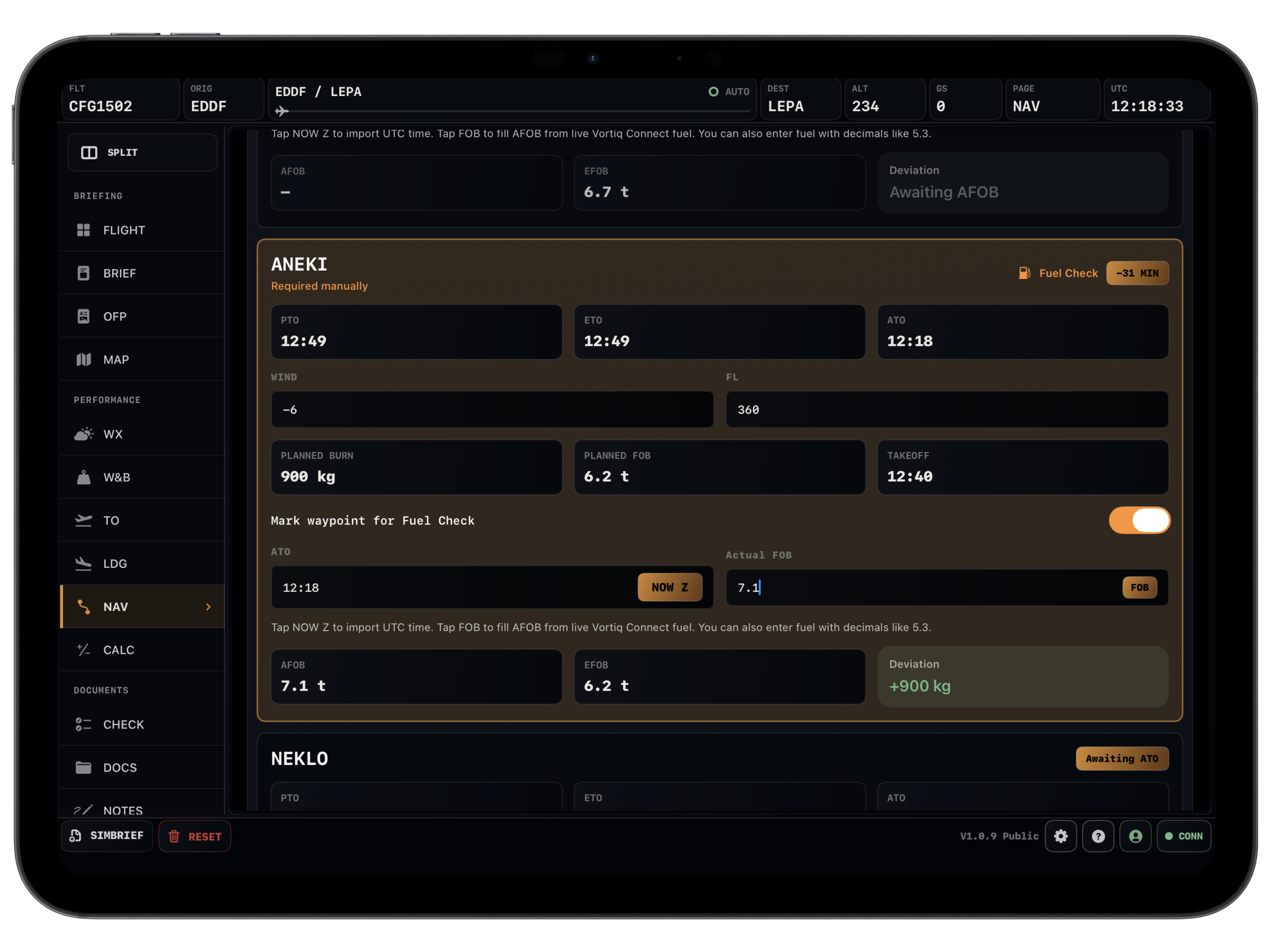
Navlog
The route in a form you can fly.
Waypoints, timings, fuel checks and remarks stay tied to the imported flight. Useful on long sectors, and still readable when you only need the next few fixes.
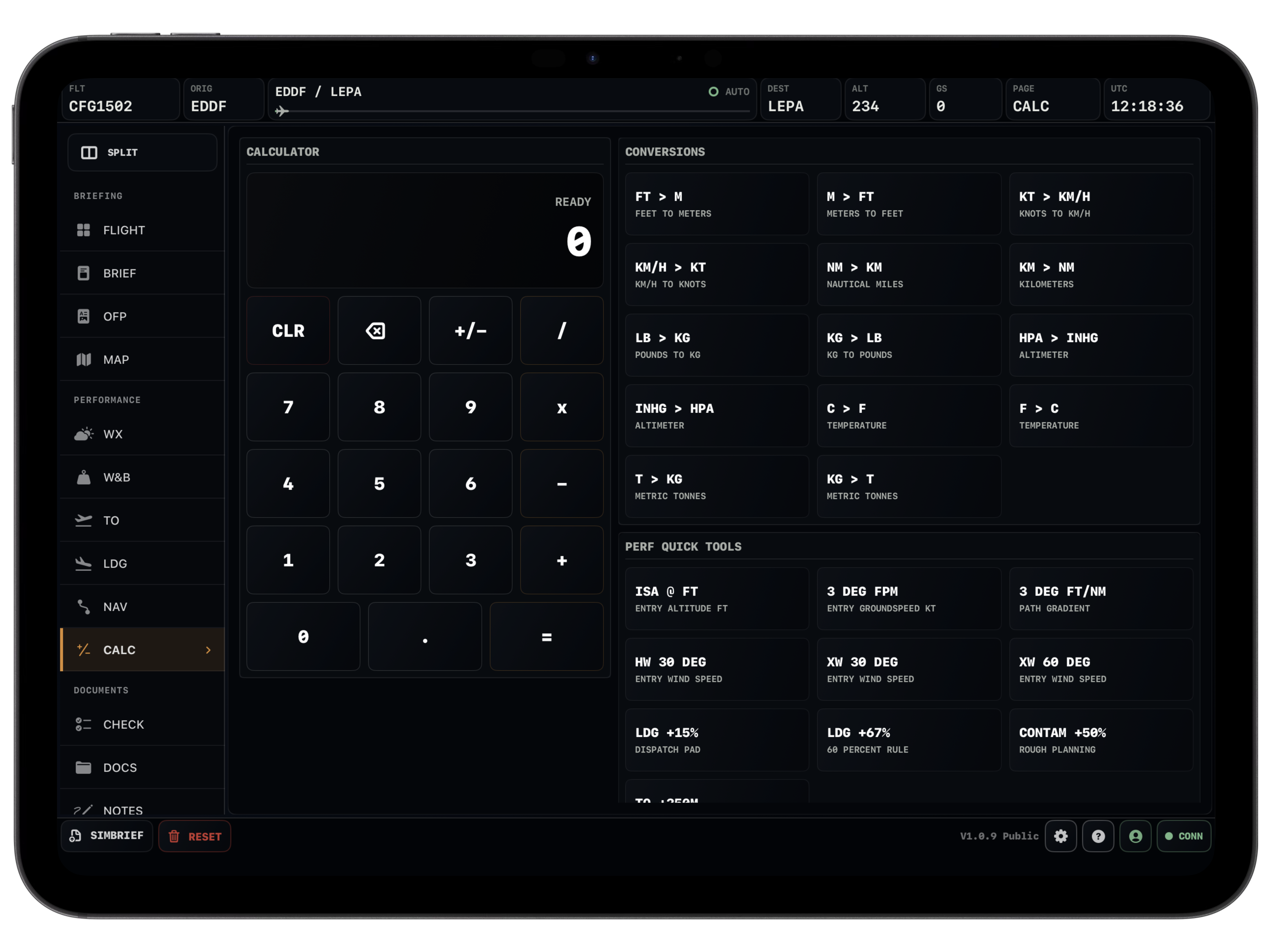
Calculator
Small math, no app switching.
Conversions and quick cockpit calculations live inside the EFB, right next to the flight data you are already using.
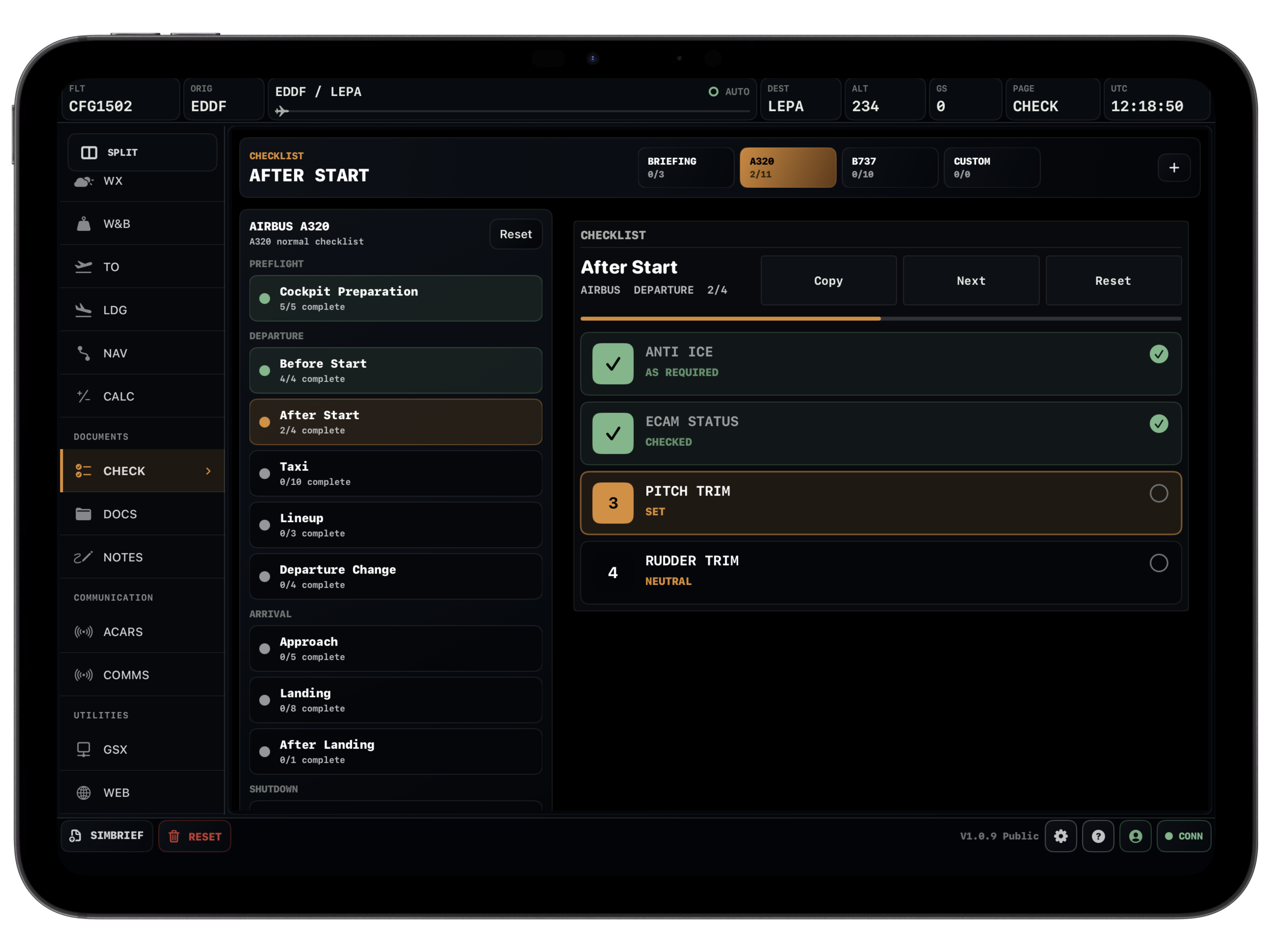
Checklist
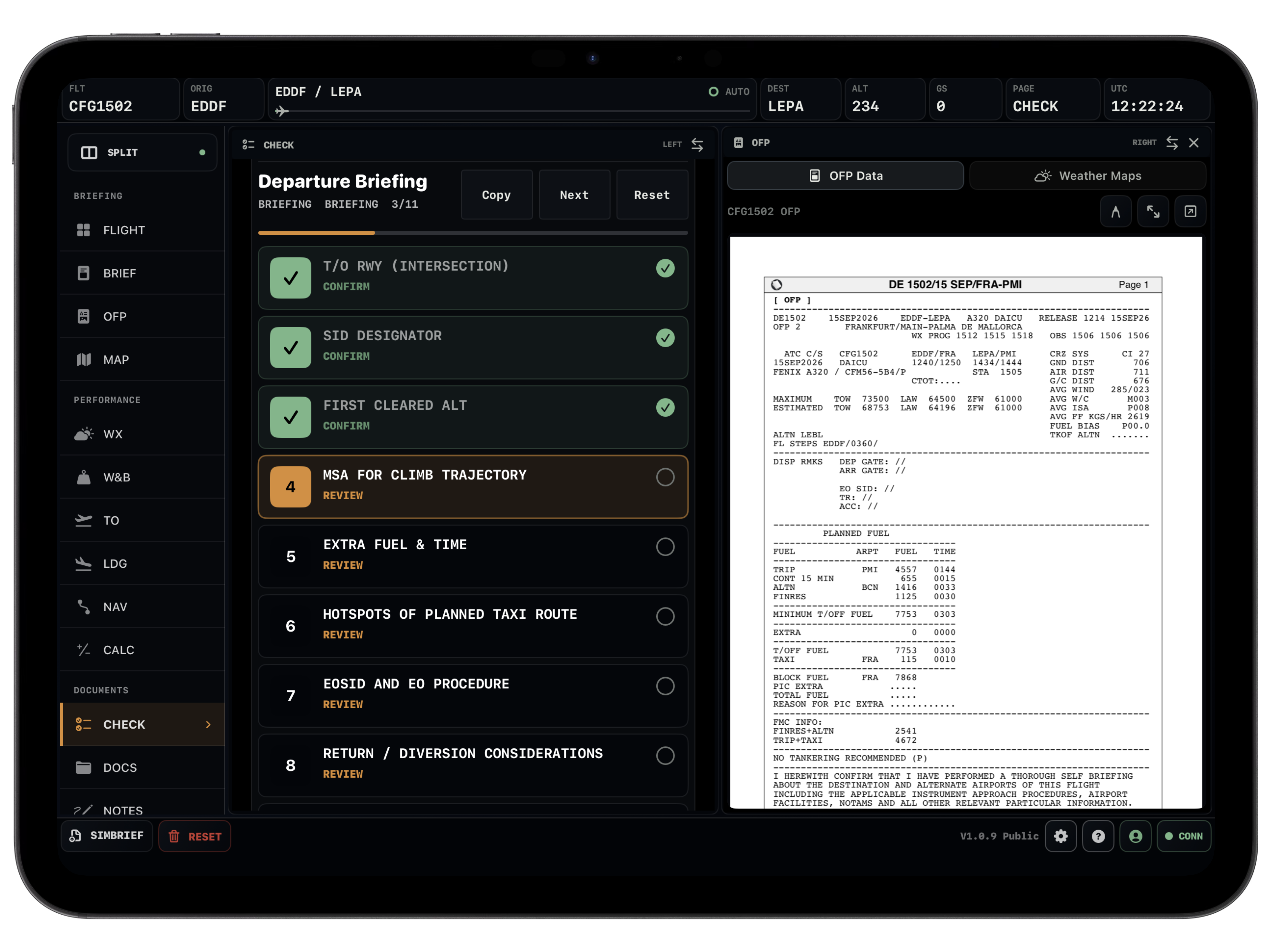
Flows you can keep beside the flight.
Use built-in Airbus and Boeing flows or your own checklists. It is there for the rhythm of the flight, not buried in a separate document.
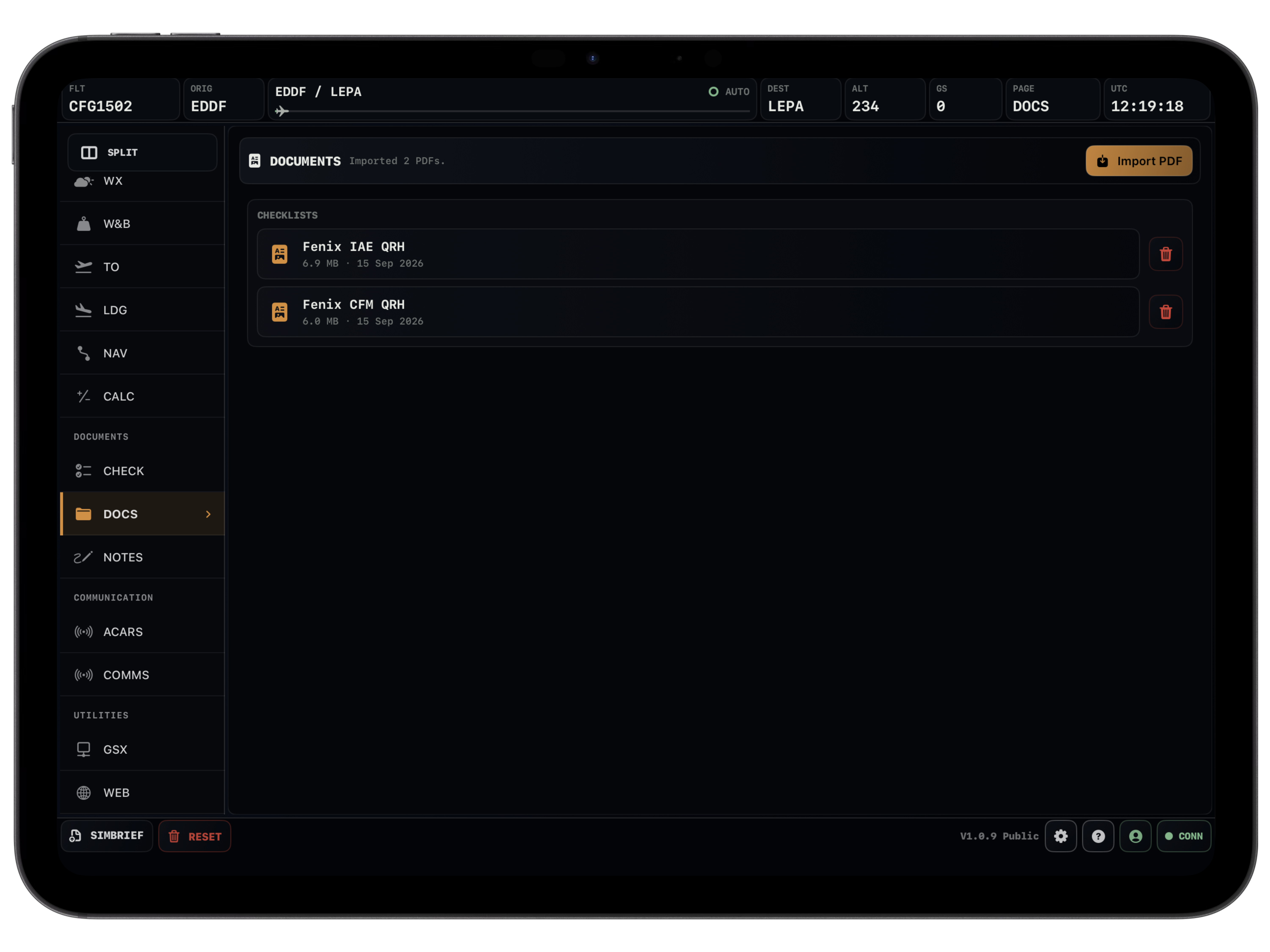
Documents
Reference material without the mess.
Keep PDFs, charts, SOP notes or aircraft references in the same environment. It is much easier than juggling files while flying.
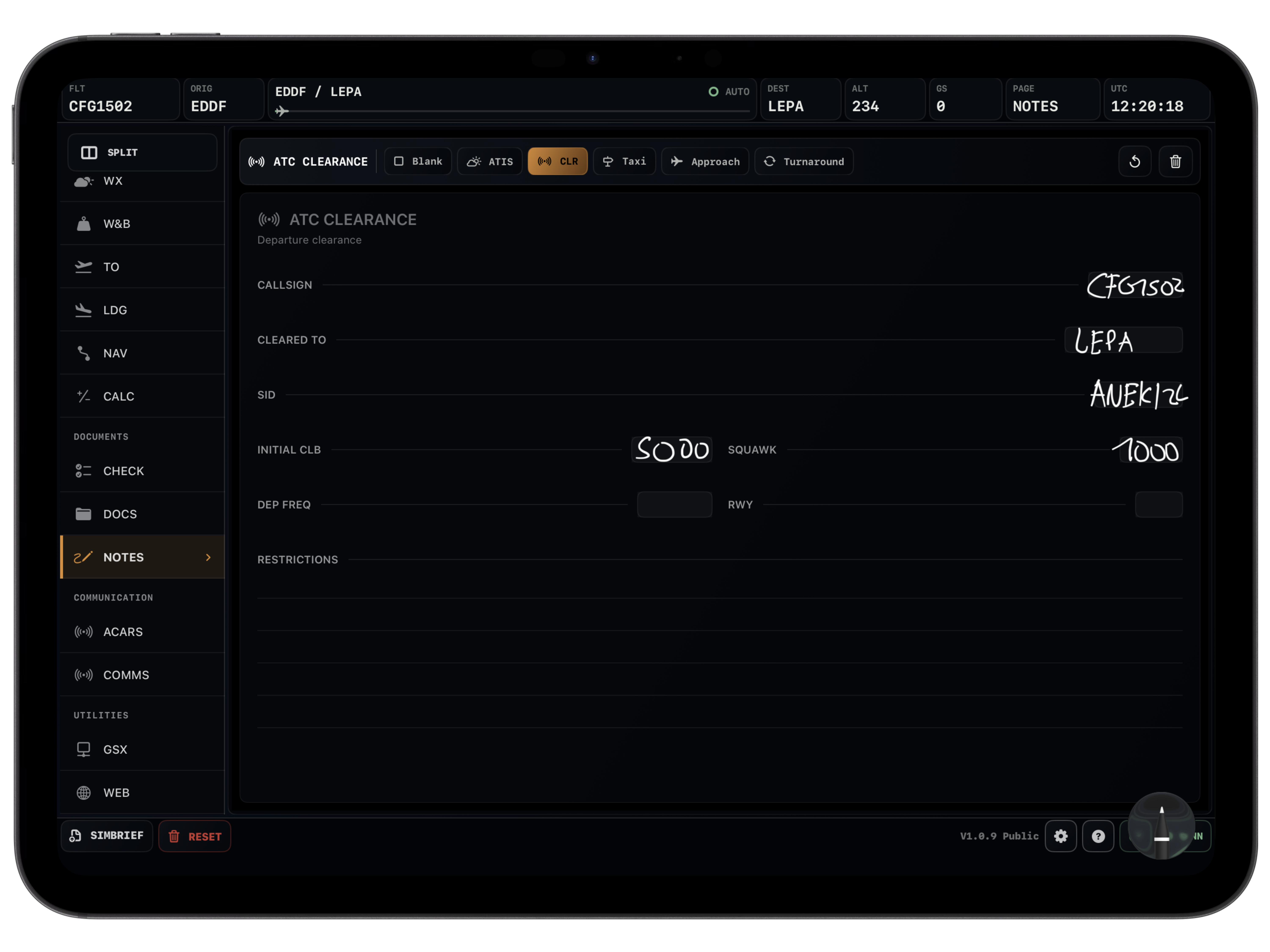
Notes
A scratchpad for the stuff that changes.
Clearances, ATIS, taxi notes, reminders, hold instructions, whatever comes up. Quick to write, quick to find again.
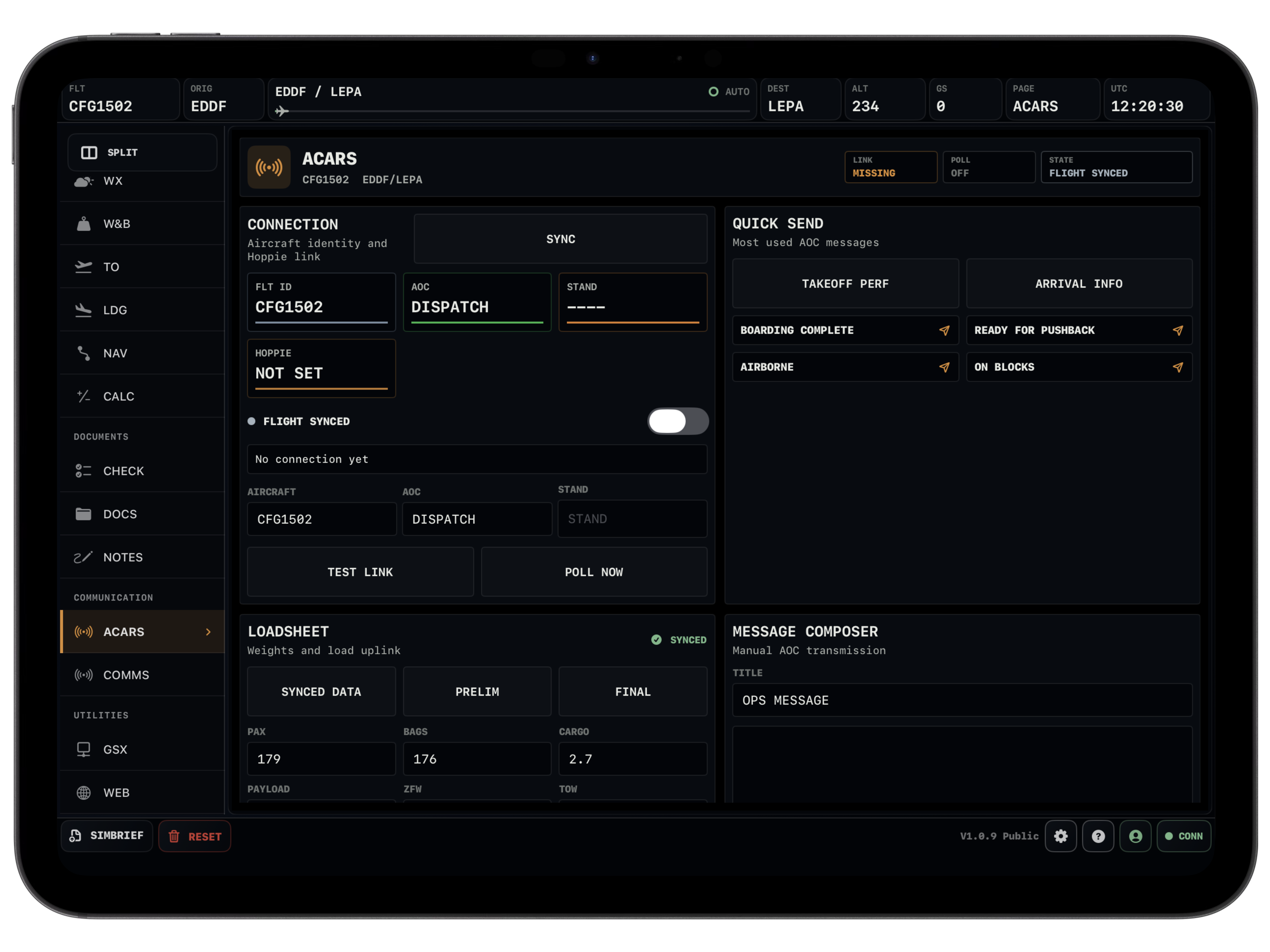
ACARS
Datalink tools where they belong.
Hoppie-style messages and operational comms sit in their own page, but still stay part of the same loaded flight.
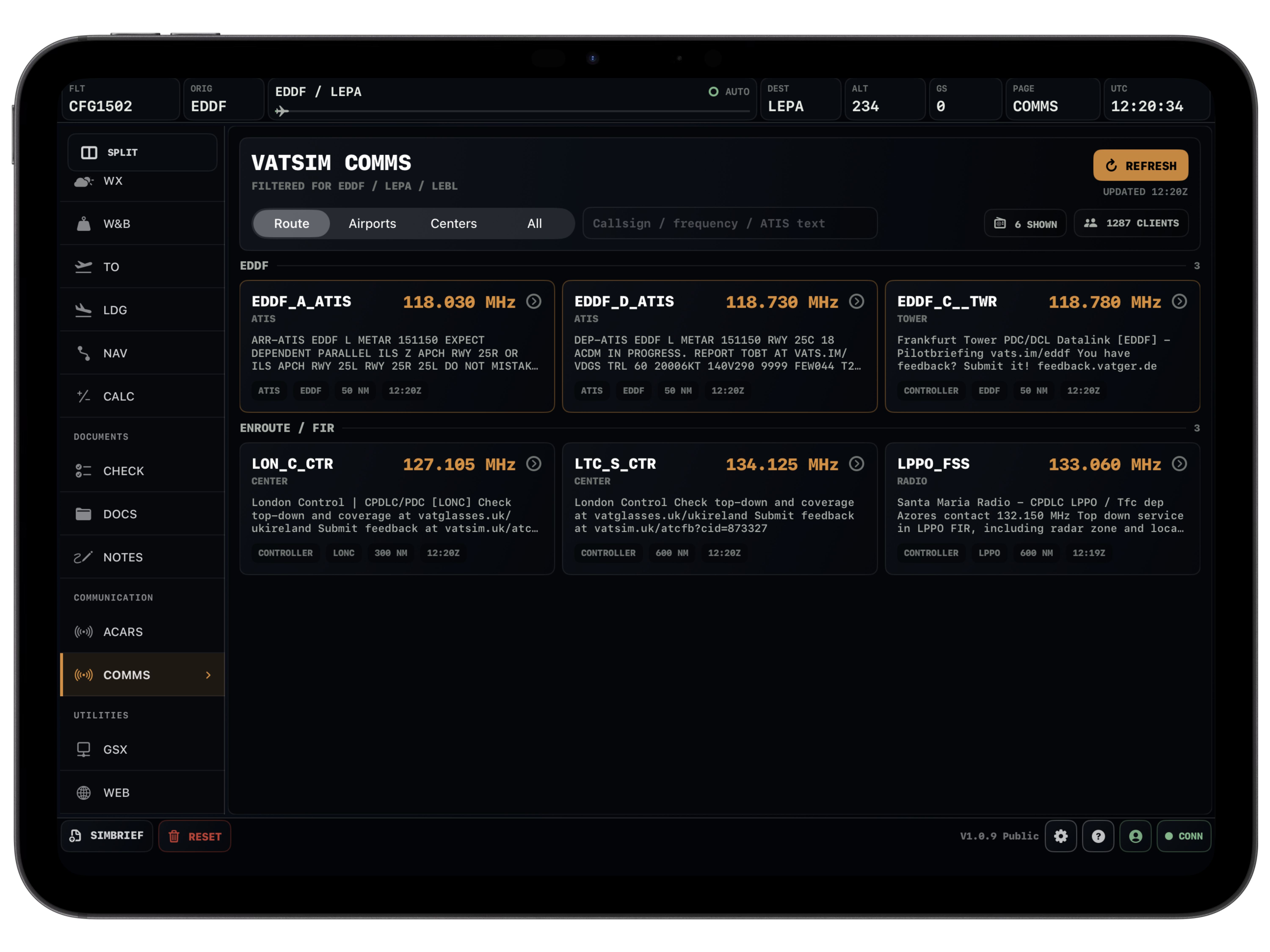
Comms
Frequencies and network context nearby.
When the airspace gets busy, the comms page helps keep ATC, frequencies and route-relevant services from getting scattered.
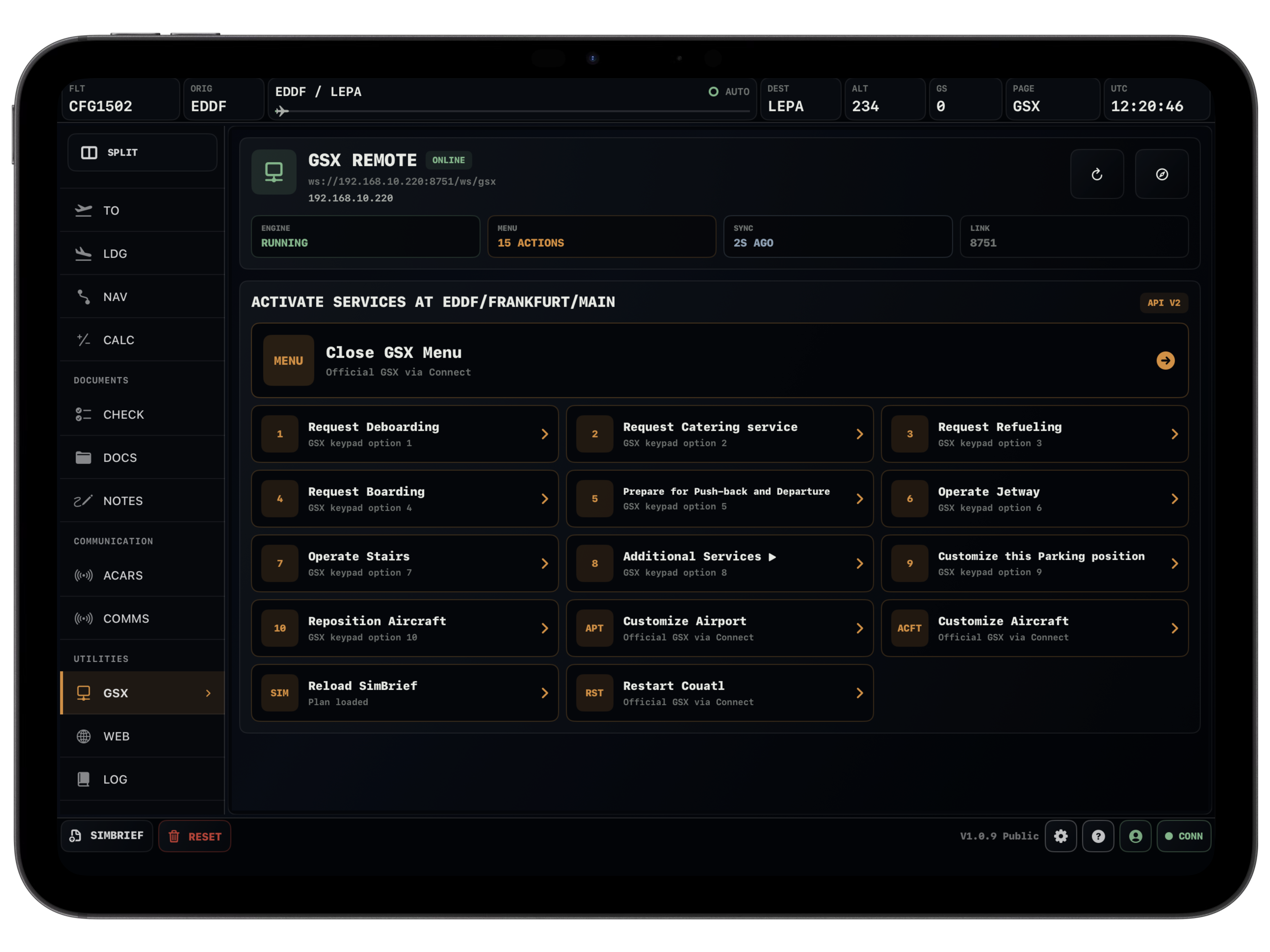
GSX
Ground handling without leaving the EFB.
With Vortiq Connect, GSX actions and status are available from the tablet view. Boarding, catering, refueling and servicing feel closer to the flight.
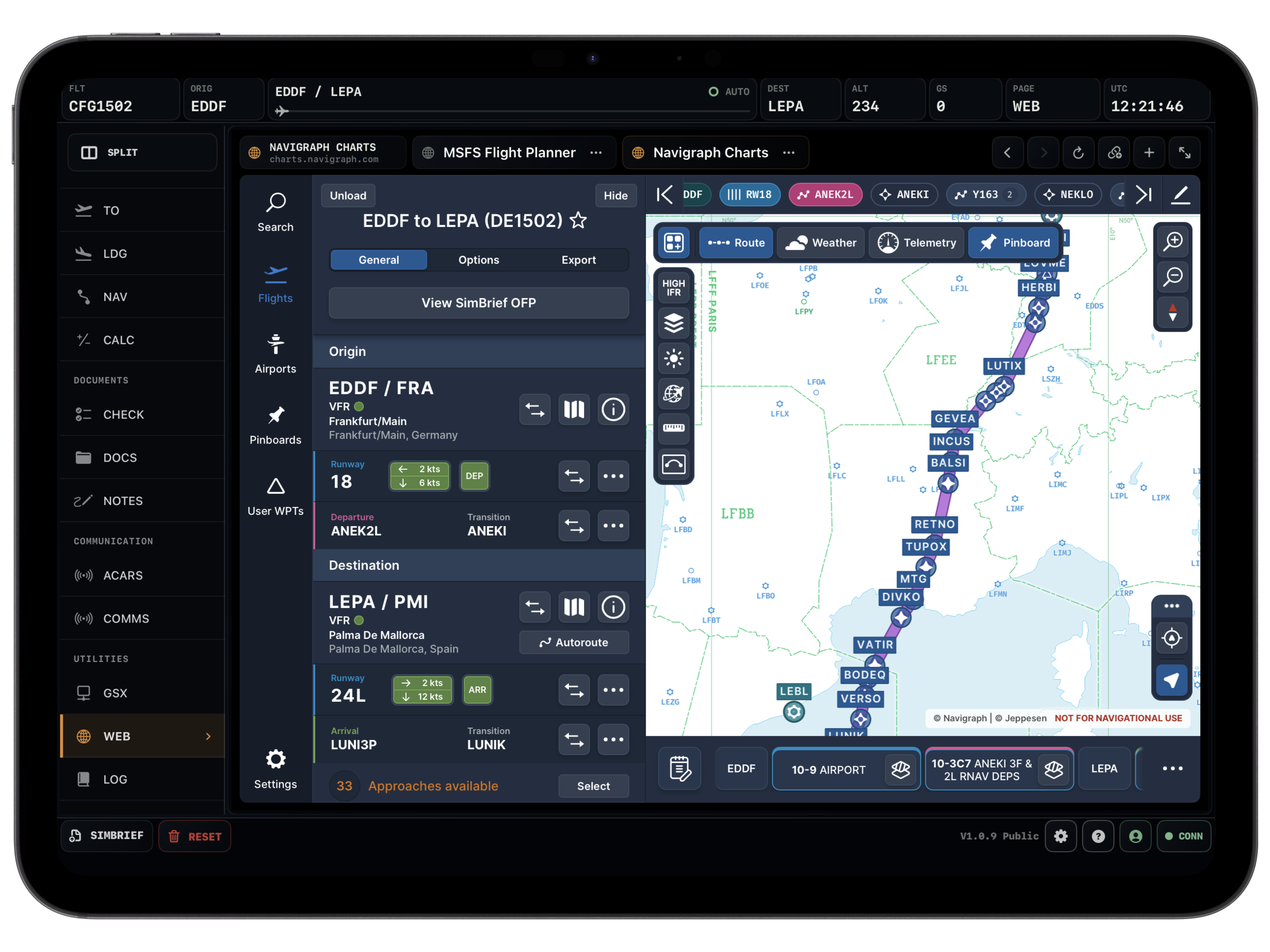
Web
Your browser tools can stay pinned.
Open charts, SimBrief, references or other web tools inside the EFB. In split view, that becomes genuinely useful instead of just convenient.
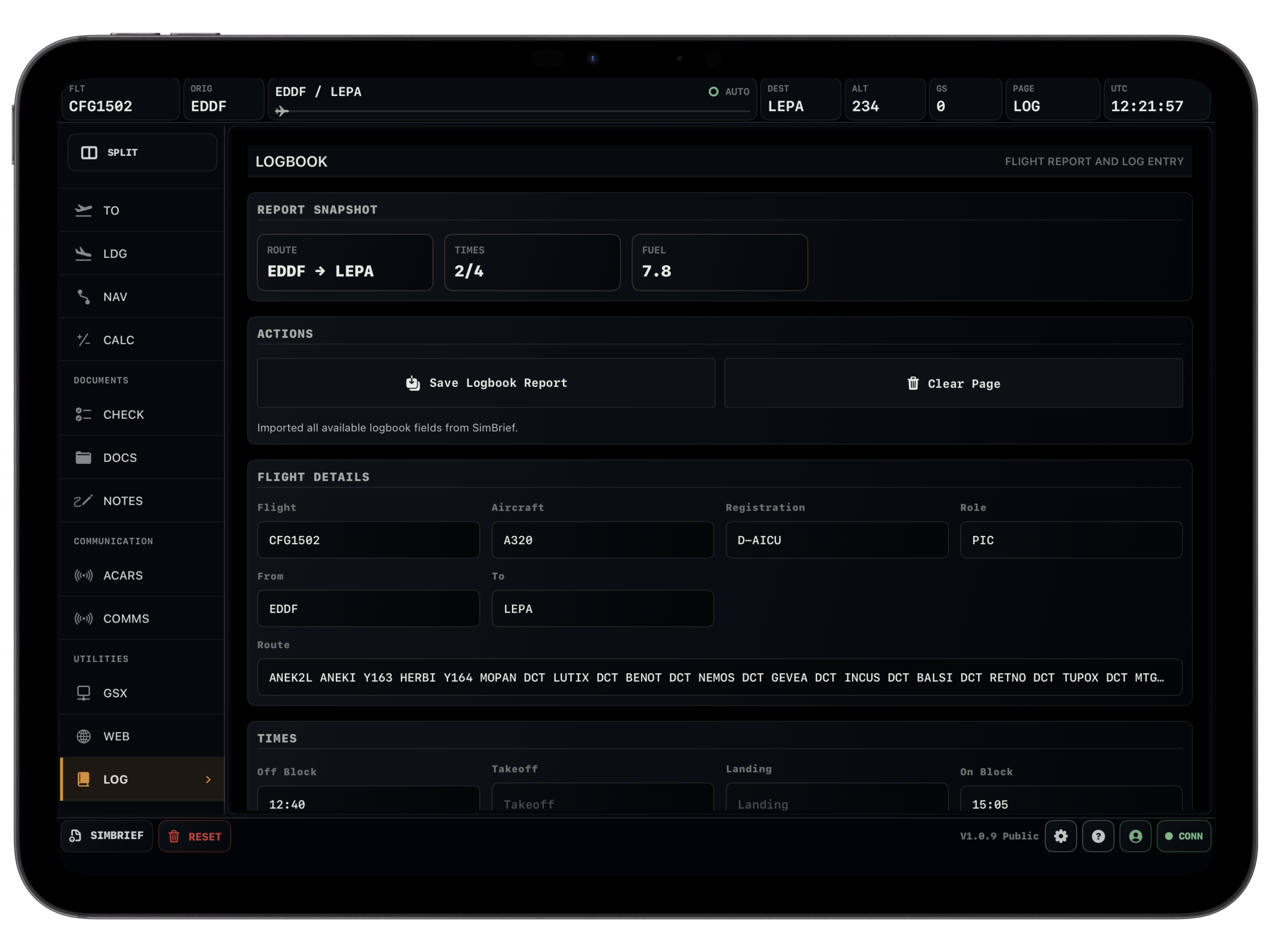
Logbook
The flight does not end with typing.
After landing, the logbook can use the SimBrief plan and live simulator data to prepare most of the entry for you.
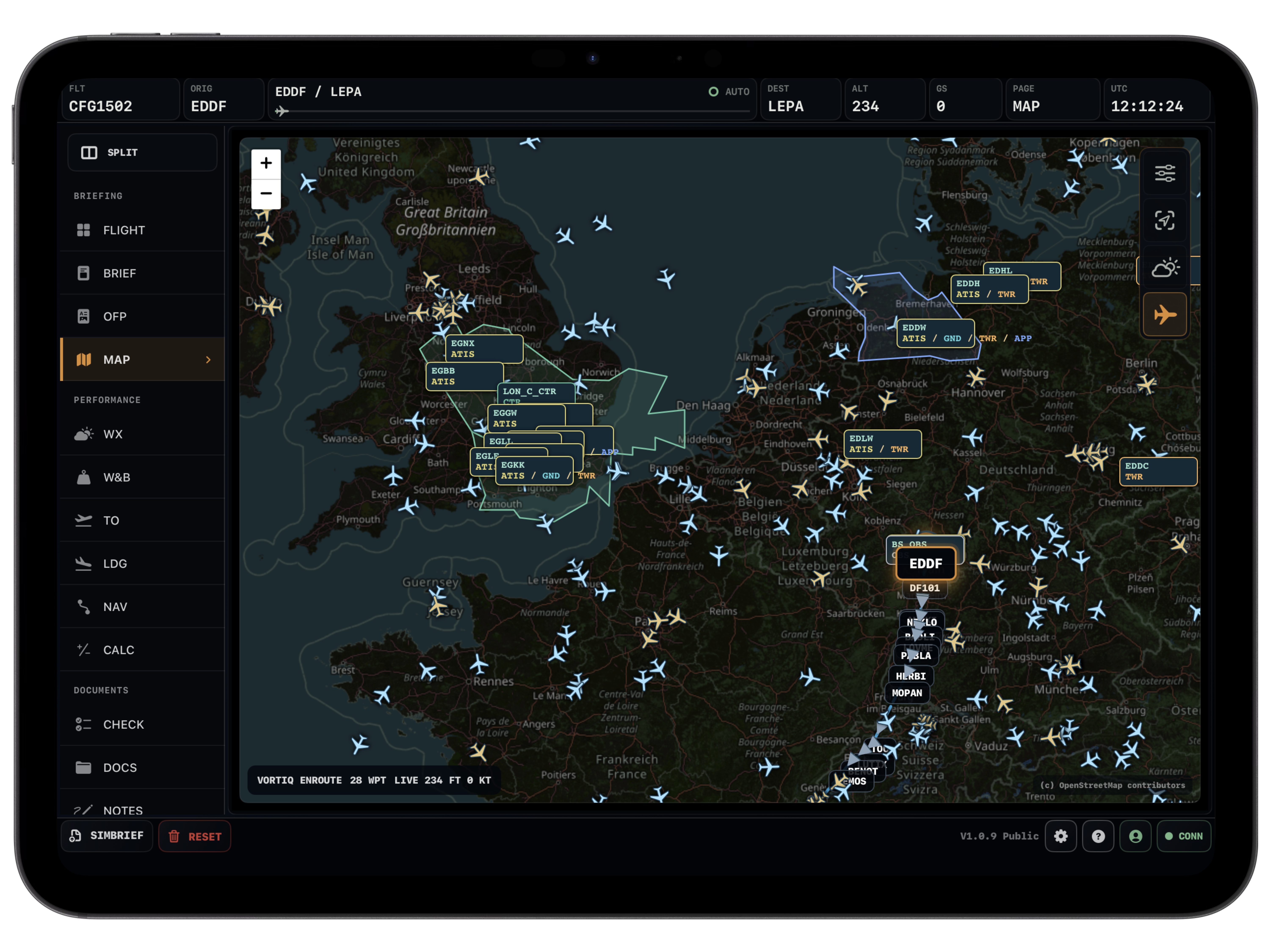
Taxi & Traffic
Useful detail on the ground and online.
Taxi mapping, VATSIM traffic and network overlays make the EFB feel alive without turning the screen into clutter.
Split View
Two pages, one flight.
Map next to navlog, OFP next to performance, weather next to briefing, or web tools beside the flight. It feels like arranging a cockpit, not switching apps.
Under the hood
The pages are backed by real data.
Live simulator position, aircraft state, GSX status and logbook context when you want it.
Traffic, controller coverage, service type, frequencies and ATIS brought into the map and comms flow.
AviationWeather.gov, VATSIM, IVAO and SayIntentions data without a pile of browser tabs.
OurAirports data for runway selection, length, heading, elevation, slope and landing distance.
85,202 airports
31 aircraft variants
900+ speed references
Hoppie ACARS workflows
Screens
A closer look around the EFB.
Ready for the next sector
Make Vortiq EFB part of your cockpit.
Buy access, open it on web or iPad, connect your simulator when you want live data, and fly with everything in one place.
For flight simulation only. Not for real-world aviation, dispatch or aircraft performance decisions.