
Vortiq Studios
Flight sim tools that stay out of the way.
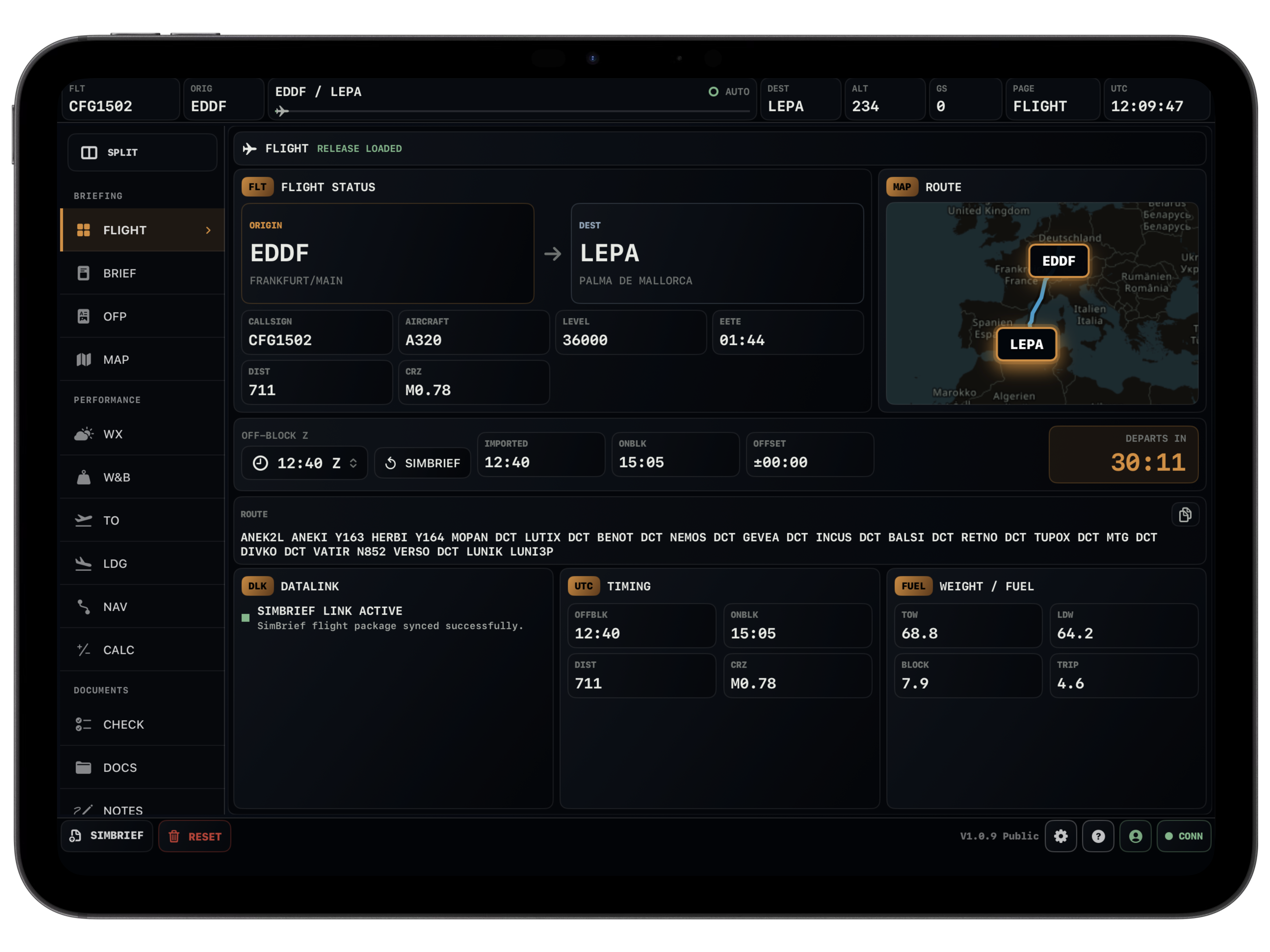
Vortiq Studios builds practical aviation tools for sim pilots. Vortiq EFB is available as a web app and as the native iOS app, with the same goal: fewer browser tabs and clearer flight context.

About the developer
Hi, I'm Liam, the founder and developer behind Vortiq Studios.
I started Vortiq Studios because I wanted to build products that I would actually want to use myself. What started as a small personal project eventually turned into Vortiq EFB and everything Vortiq Studios is becoming today.
I'm currently developing everything independently, from designing and building the apps to testing new features and working with the community. Aviation and flight simulation have always been a huge interest of mine, so creating software around something I genuinely enjoy just made sense.
My goal with Vortiq Studios is pretty simple: build modern, useful software that feels good to use and brings something genuinely valuable to the flight simulation community.
There's still a lot I want to build, and Vortiq is only getting started.
Kind regards and always happy landings!
Liam